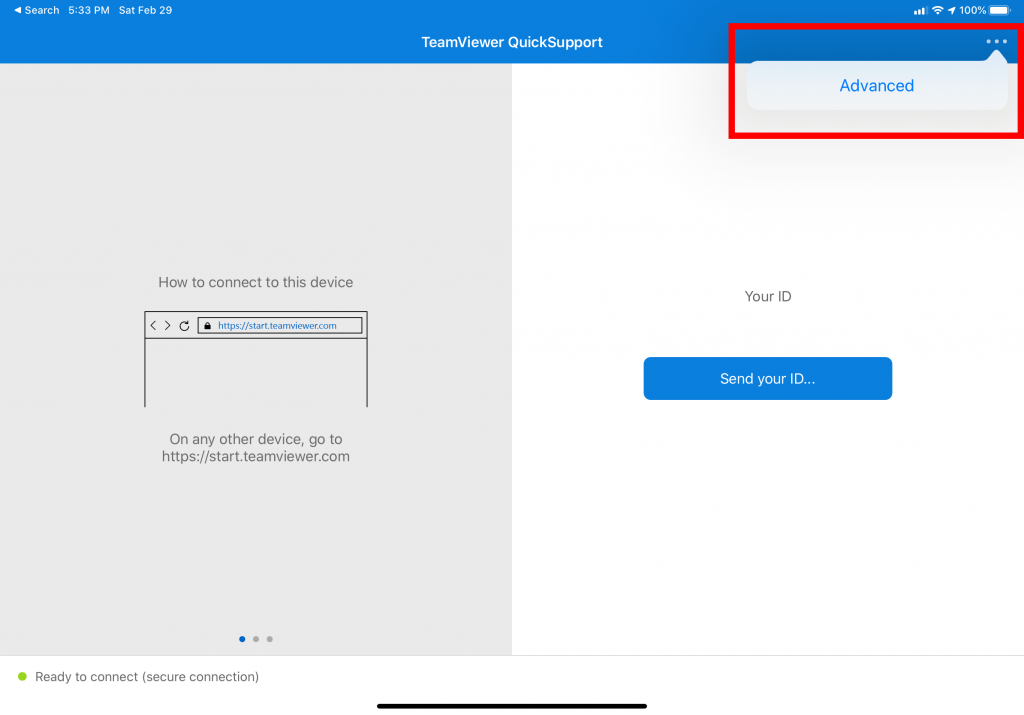
If you are experiencing an issue with your iPhone or iPad, please download and install the IOS Quick Support Agent via https://itunes.apple.com/us/app/teamviewer-quicksupport/id661649585
**If using iPhone or iPad, make sure you enable screen recording as that is what enables the remote session to function. Please follow the instructions at https://dev.aloye.com/ios-screen-recording/ to enable this required feature.
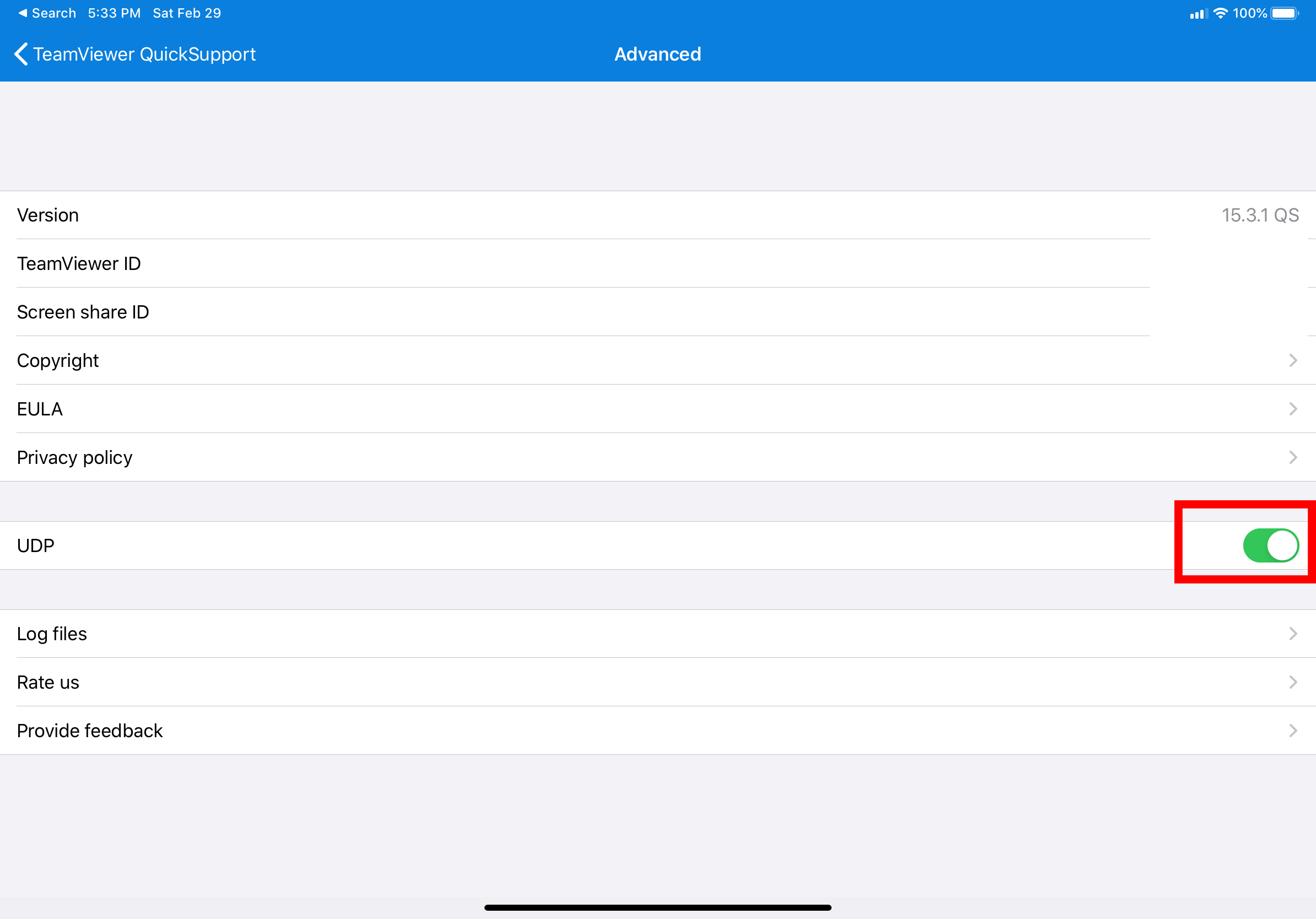
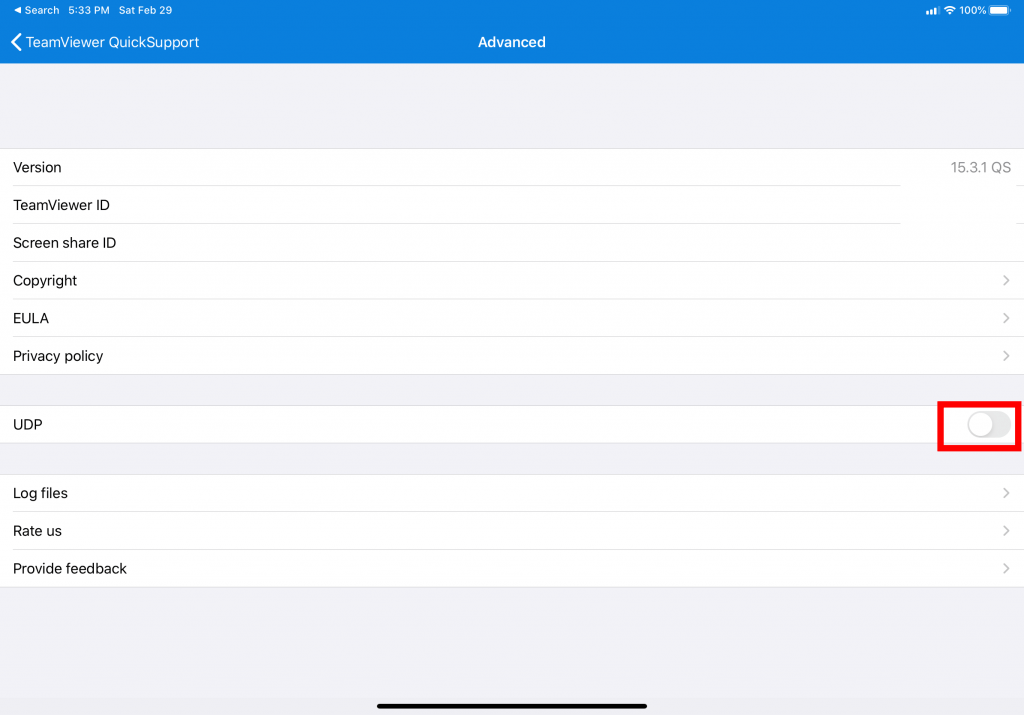
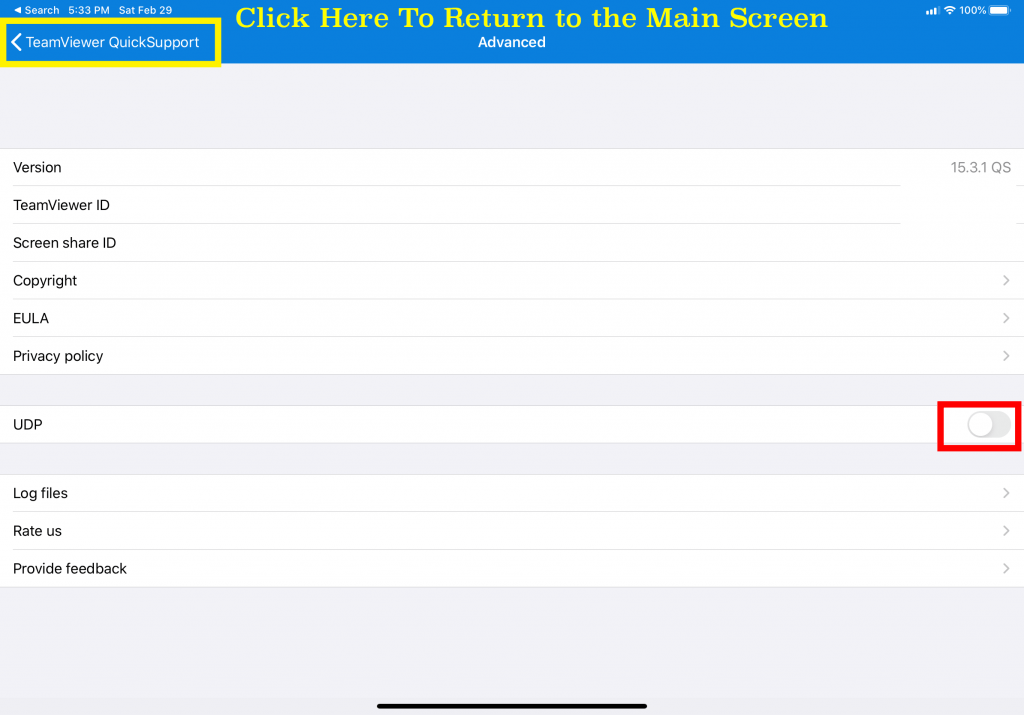
Once TeamViewer QS is installed, please perform the following steps: